
DOI & arXiv
Start with a reference.
Enter a DOI or arXiv identifier, review the bibliographic details, and bring in the available full text. Have your own copy? Add its PDF from Files.
A paper worth reading is worth listening to. Turn your research library into natural, on-device audio—and stay close to the source.
Some ideas arrive on a page. Others become clearer when we give them a voice. Listening makes another kind of room for thought.
Start with a link, a library, or the paper in front of you.
Enter a DOI or arXiv identifier, review the bibliographic details, and bring in the available full text. Have your own copy? Add its PDF from Files.
Browse or search personal and group collections, then choose the attached PDFs you want to hear. Imports are read-only and happen when you ask.
Open a PDF, scan a printed page, or import photos. On-device English OCR lets you review and correct recognized text before adding it to your library.
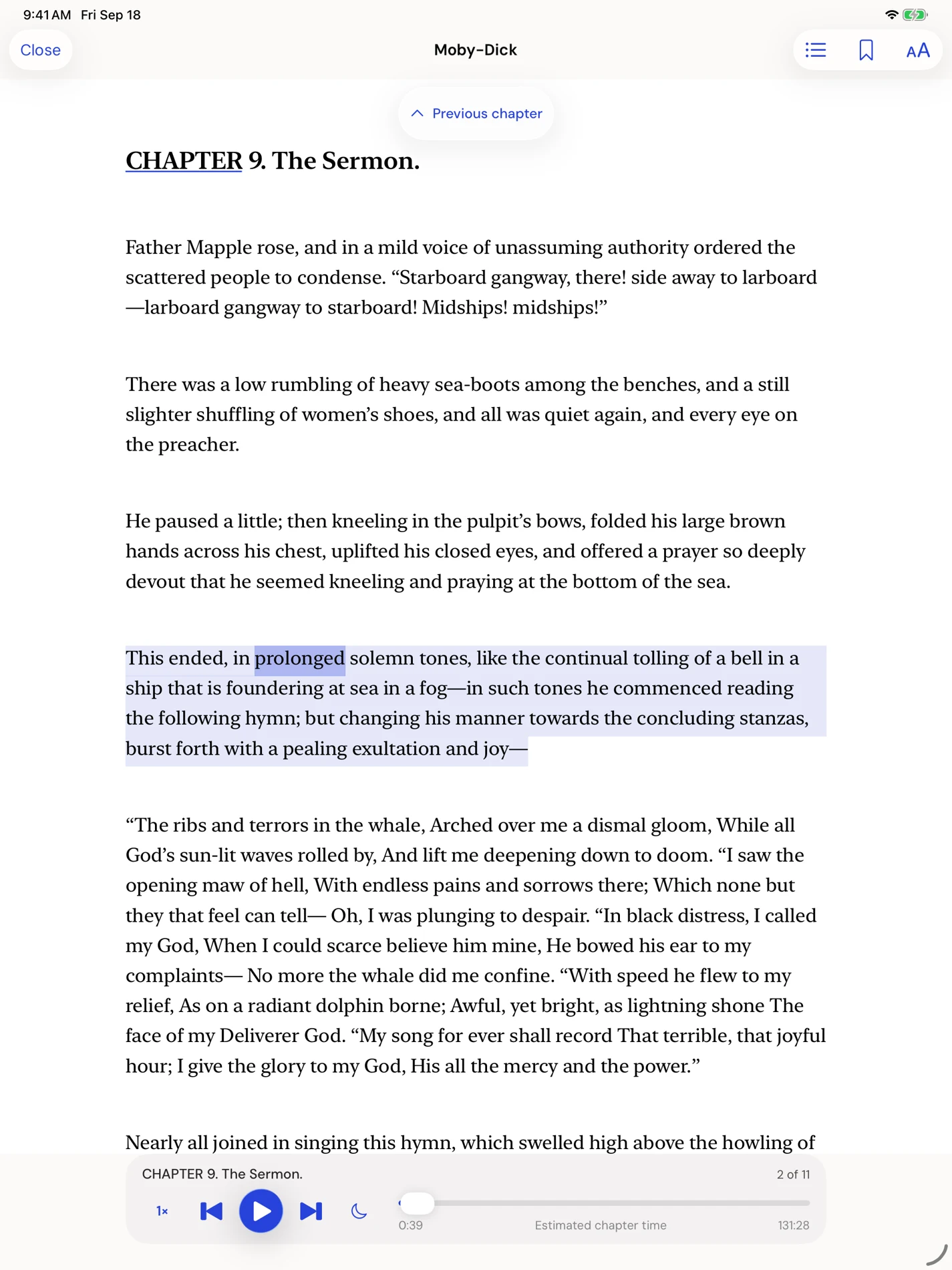
Earlo’s reading interface, shown with a sample book.
Make room for the argument without losing the evidence behind it.
Skip recognized inline citations and reference lists during research narration. They stay in the visible source, ready to restore when you need them.
Scientific speech handling supports common notation, abbreviations and units. Add names and specialist terms to your own pronunciation dictionary.
Follow synchronized word highlighting, jump between sections, and switch between continuous reading and original PDF pages.
English-first. Complex equations, tables and unusual layouts may need review.
Keep the useful parts connected, from the first listen to the next draft.
Attach notes and bookmarks to passages. Find a saved idea again through library search, and keep related papers together in collections.
NOTES · BOOKMARKS · COLLECTIONSExport research citations as RIS or BibTeX and your notes as Markdown. Take useful context back into your writing workflow.
RIS · BIBTEX · MARKDOWNQueue whole papers from their saved positions, or export an MP3 of a book, chapter, selection or page range with your chosen voice.
LISTENING QUEUE · MP3 EXPORTAsk AI prepares a selected passage and citation for an external AI app. You choose what to copy or share, and when to submit it.
Narration happens on your device. Saved reading works offline, with no Earlo login and no cloud speech service. Optional iCloud sync keeps your Apple devices connected through your Apple Account.
A DOI or arXiv lookup helps identify a paper and review its metadata. Full-text availability depends on the source. If a PDF is unavailable, you can supply a copy you have access to from Files.
No. The Zotero connection is read-only and on demand. You choose which attached PDFs to import. Earlo does not write annotations back to Zotero; disconnecting leaves papers already imported into Earlo on your device.
Saved reading, on-device narration, pronunciation controls and English OCR work offline. DOI and arXiv lookup, Zotero and web imports need a connection. Optional iCloud sync uses your Apple Account.
Earlo is English-first, with scientific speech handling for common notation, abbreviations and units. Complex equations, tables, unusual layouts and OCR results may need review. The original source remains available so you can check the details.
Earlo is a reading and listening app by Boston Research Journals. It brings on-device narration to books, documents and research papers, with tools for following the source and keeping useful notes.
Follow your curiosity from the paper in your library to the research published across Boston Research Journals’ disciplines.
On your walk. Between meetings. Wherever your mind has room.
iPhone · iPad · Apple Watch companion